
Where do I find my account or rolled over credits?
Looking for your rolled over class credits on the app but can’t see them? Here’s a quick guide on how to find how many credits you have, if you’re using a class pack, or have rolled over credits.
Unfortunately the system makes you do a bit of work for this on the app. Here’s how to view them:
ON THE APP
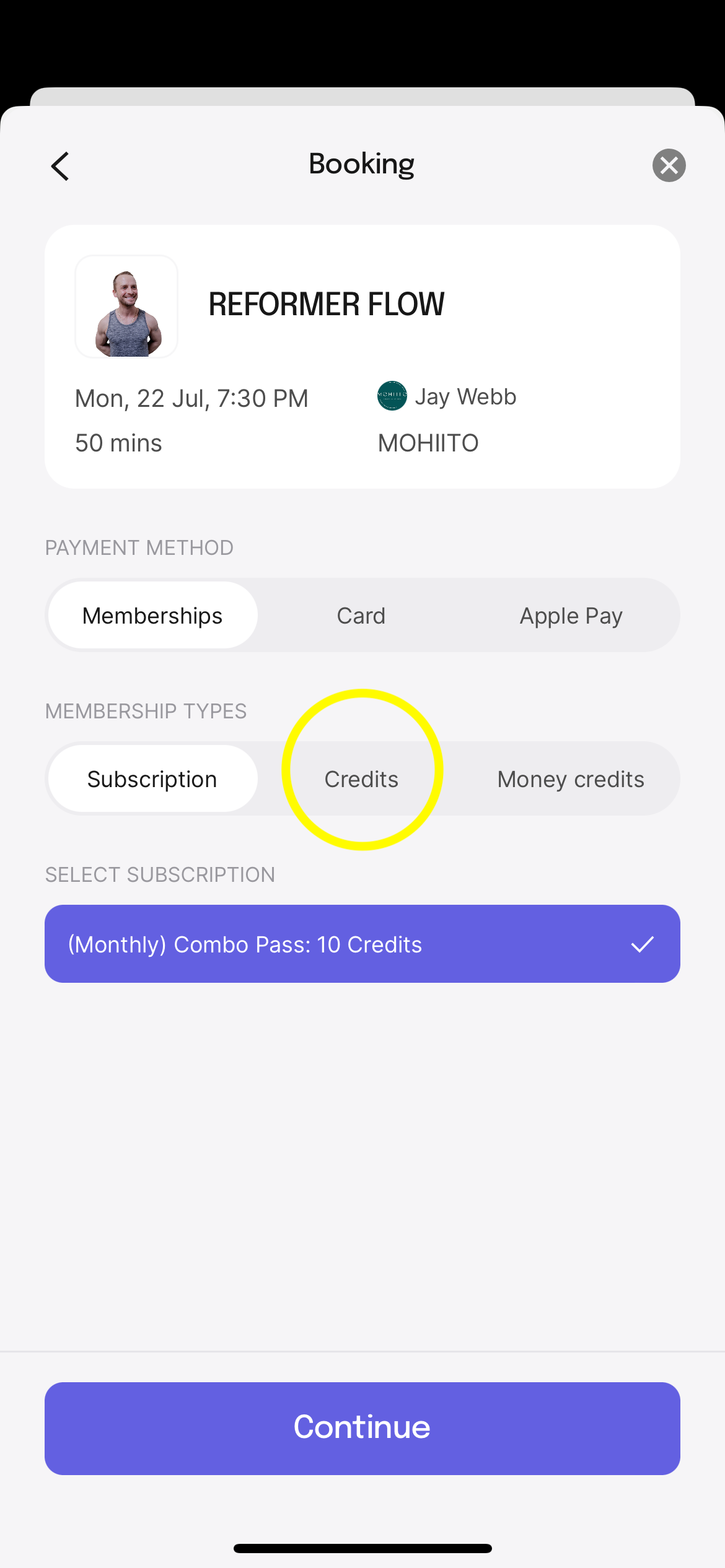
Select the class you want to book, then click on Book. On the next screen, select payment by credits:
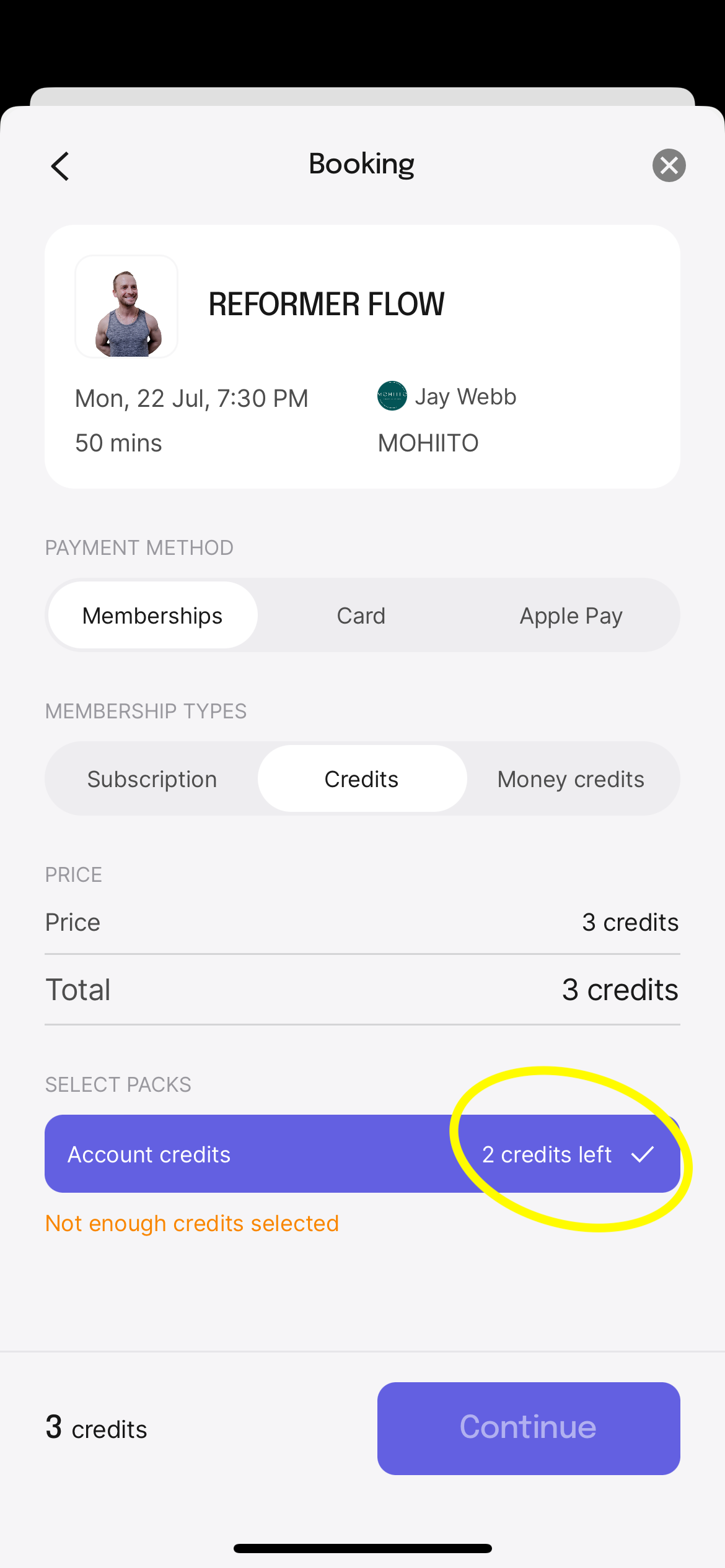
Click Continue to see how many credits you have left:
ON A PC
Login to your Momence account, and you can see more account details than is visible on the app, including usage from your membership periods, rolled over credits, class cancellations etc.